

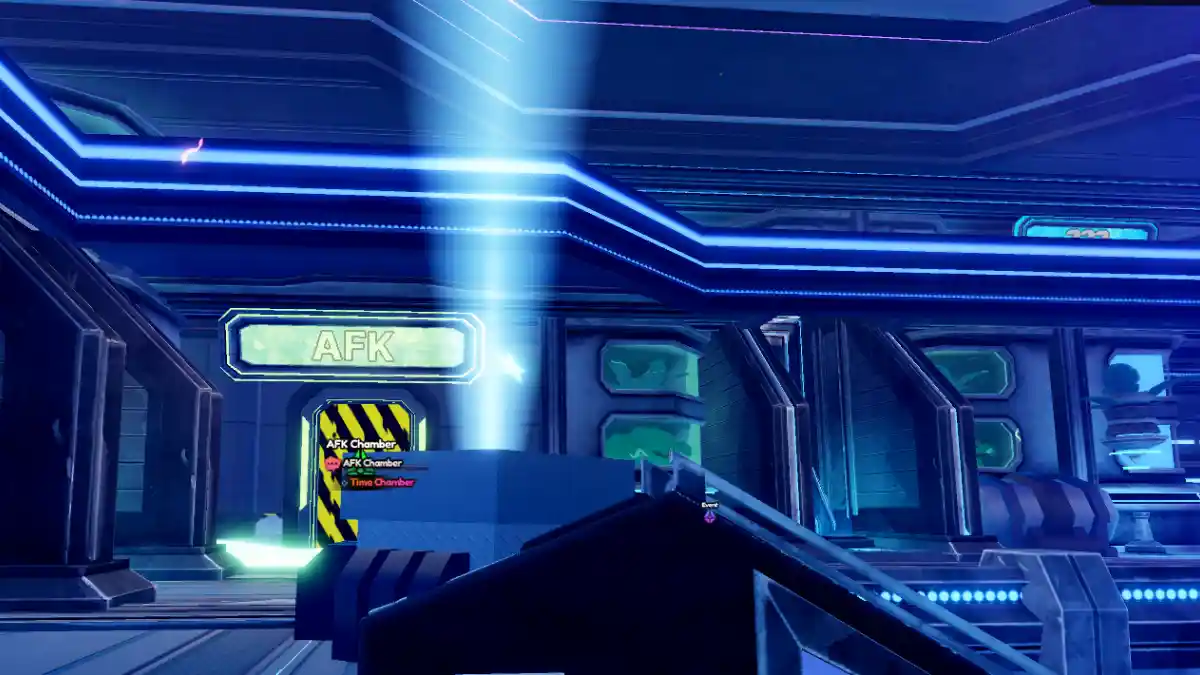
Anime Vanguards is a tower-defense-style Roblox game where you place anime-inspired units to stop enemy waves from reaching your base.
The game features 50+ units from different anime worlds, each with unique abilities and damage potential.
The developers release regular event updates that add new units, maps, codes, gear, and more.
In this post, we’ve shared the official Anime Vanguards Trello link and the Discord server. You can check both of them below.
What Information Is on the Anime Vanguards Trello?
Like most Roblox games, Anime Vanguards also has a Trello page created to help players understand the game better.
The Trello board includes details about game progress, NPCs, locations, units, tier lists, codes, missions, and a full walkthrough of the core mechanics.
The page is maintained by official or community contributors and gets updated from time to time.
Everything is arranged in a clear and organized way, making it easy for any player to understand and use.
Anime Vanguards Trello Link
- Official Trello Link (Not available)
- Private Server
- Official Community
- Game Link
- Tier List
How to Join the Anime Vanguards Discord Server
- Open this link: https://discord.com/invite/animevanguards
- Then, click on “Accept Invite.”
- Congratulations! You’ve officially joined the server.
Above, you can see that we’ve also shared the official Discord server link for Anime Vanguards.
The server is completely free to join, and any player can become a member with just one click. Before chatting, make sure to read the rules created by the moderators.
Inside the server, you’ll find several useful channels such as #information, #announcements, #codes, #update-logs, #general, and many more, each made for a specific purpose.
If you ever face a bug, glitch, scam, or any other issue, you can easily report it there directly to the game team.
