

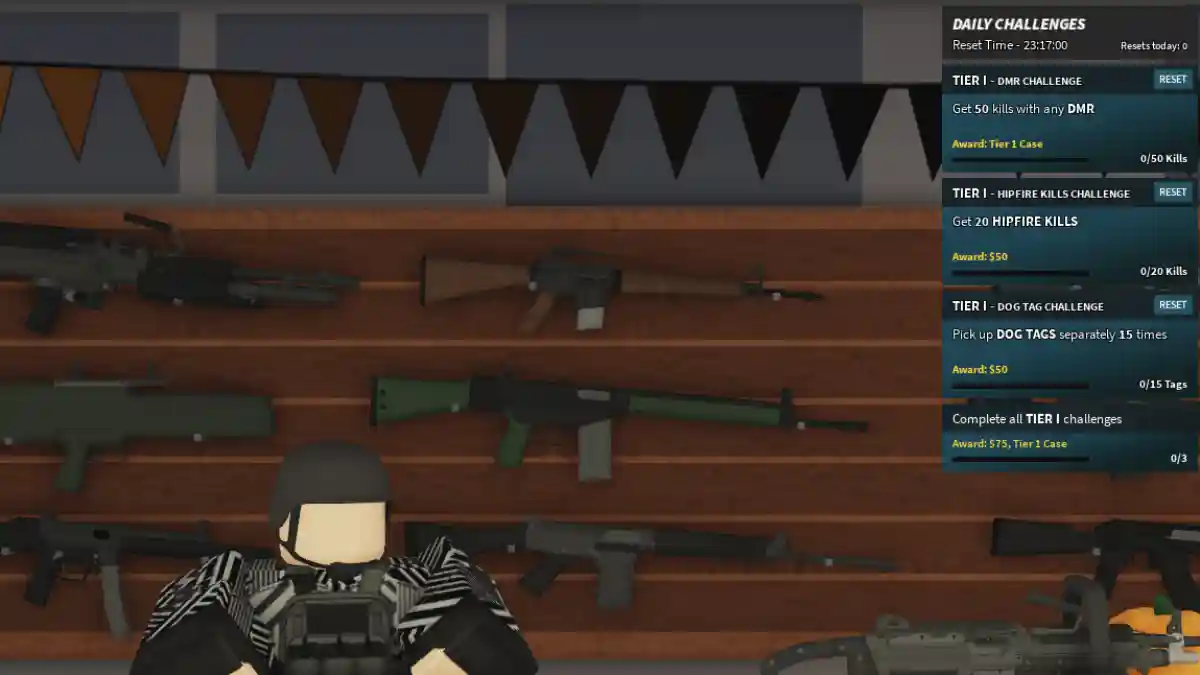
Phantom Forces is a first-person shooter game on Roblox, developed by StyLiS Studios.
The game focuses on fast action and combat, similar to Call of Duty or Counter-Strike.
It features deep weapon systems, smooth movement, and team-based battles.

AI receipt scanner & cash envelopes. 100% private.
Players can enjoy multiple game modes such as Team Deathmatch, Capture the Flag, and King of the Hill across different maps.
In addition to Roblox, the game is also available on consoles like PS5 and Xbox through the StyLiS Group.
In this post, you will find a list of Phantom Forces private server commands to help improve your gameplay.
How to use Command on Private Server
To use commands on a private server, follow the instructions given below.
- Click on your newly created VIP server from the Servers list
- Click “Join Server”
- Wait for the game to load
- You’ll spawn in as the server owner with admin privileges
After joining the server, just follow these steps.
- Press the Chat key ( “/”)
- A chat box will appear at the bottom of your screen
- You’re now ready to type commands
List of Phantom Forces Private Server Commands Wiki
This Roblox game includes a full command system that allows VIP server owners to customize and manage their private servers.
Team Management
| Command | Function | Example |
|---|---|---|
/switch:p | Switch to Phantom team | /switch:p |
/switch:g | Switch to Ghost team | /switch:g |
Player Management
| Command | Function | Example |
|---|---|---|
/kick:username | Kick a player (they can rejoin) | /kick:JohnDoe |
/hardkick:username | Hard kick a player (cannot rejoin until server restart) | /hardkick:JohnDoe |
Map & Gamemode Selection
| Command | Function | Example |
|---|---|---|
/map:mapname:gamemode | Set specific map and gamemode | /map:dunes:koth |
/map:mapname:gamemode:time | Set map, gamemode, and time limit | /map:crane:tdm:10 |
/modes | List all available gamemodes | Type /modes to view options |
/maps | List all available maps | Type /maps to view options |
UI Customization
| Command | Function | Example |
|---|---|---|
/uiscale:value | Adjust UI scale | /uiscale:1.5 |
/menuscale:value | Adjust menu scale | /menuscale:1.2 |
Available Gamemodes
| Gamemode | Shortcode |
|---|---|
| Team Deathmatch | tdm |
| Domination | dom |
| King of the Hill | koth |
| Kill Confirmed | kc |
| Capture the Flag | ctf |
| Hard Point | hp |
| Tag Run | trun |
| Budget Cuts | bc |
| Recovery | rec |
| Exfiltration | exfil |
| Duel | duel |
| Swap | swap |
| Flare Domination | fdom |
| Stab | stab |
| Gun Game | gg |
Popular Map Names
| Map Name | Shortcode |
|---|---|
| Dunes | dunes |
| Crane Site | crane |
| Desert Storm | desert |
| Mirage | mirage |
| Ravod 911 | ravod 911 |
| Phantom Forces 5 | pf5 |
| Suburbia | suburbia |
| Black Diner | blackdiner |
| Highway | highway |
| Facility | facility |
Public Server Commands
| Command | Function | Example |
|---|---|---|
/votekick:username | Vote to kick a player from public servers | /votekick:PlayerName |
/report:username | Report a player for rule violations | /report:PlayerName |
/spec:username | Spectate another player | /spec:PlayerName |
