

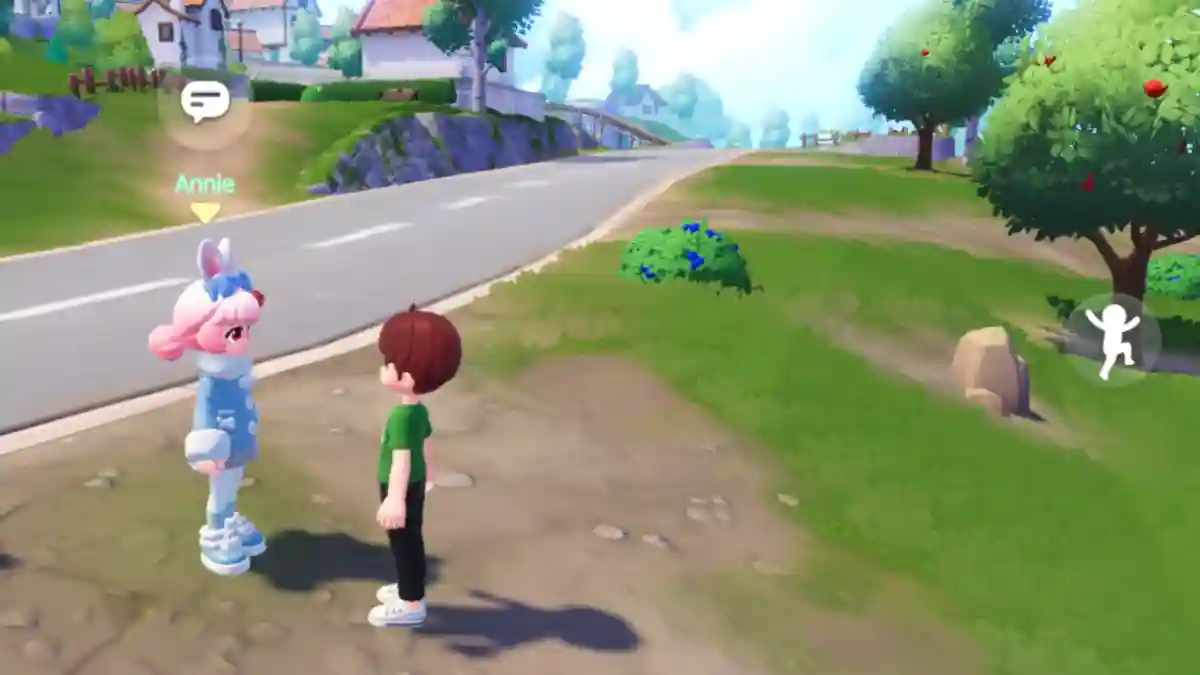
Heartopia is a multiplayer simulation video game developed and published by XD Inc.
The game focuses on creativity and activities such as building your dream home, exploring different hobbies, farming, dressing up, adopting pets, and much more.
In this virtual world, you can meet other players, interact with them, and create your own story.
You can also purchase your own plot to build a house or farm, and explore activities like gardening, fishing, birdwatching, and more.
In this article, you will learn how to unlock chat in Heartopia, with a complete guide on how to communicate with other players.
How to Unlock Chat in Heartopia
In Heartopia, chatting is simple once you unlock it. Just follow the game steps explained below carefully.
Step 1: Unlock Chat First
- Reach D.G. Member’s Guild Level 1.
- Complete a few Resident Requests (daily quests).
- Chat unlocks automatically at Level 1.
Step 2: Open the Chat Window
- Find the chat icon (speech bubble/message) at the bottom/side.
- Tap to open the chat box.
Step 3: Type and Send a Message
- Tap the chat box for the keyboard.
- Type message (e.g., “Hi!”, “Nice house!”).
- Press Send (arrow/Enter) to nearby players.
