

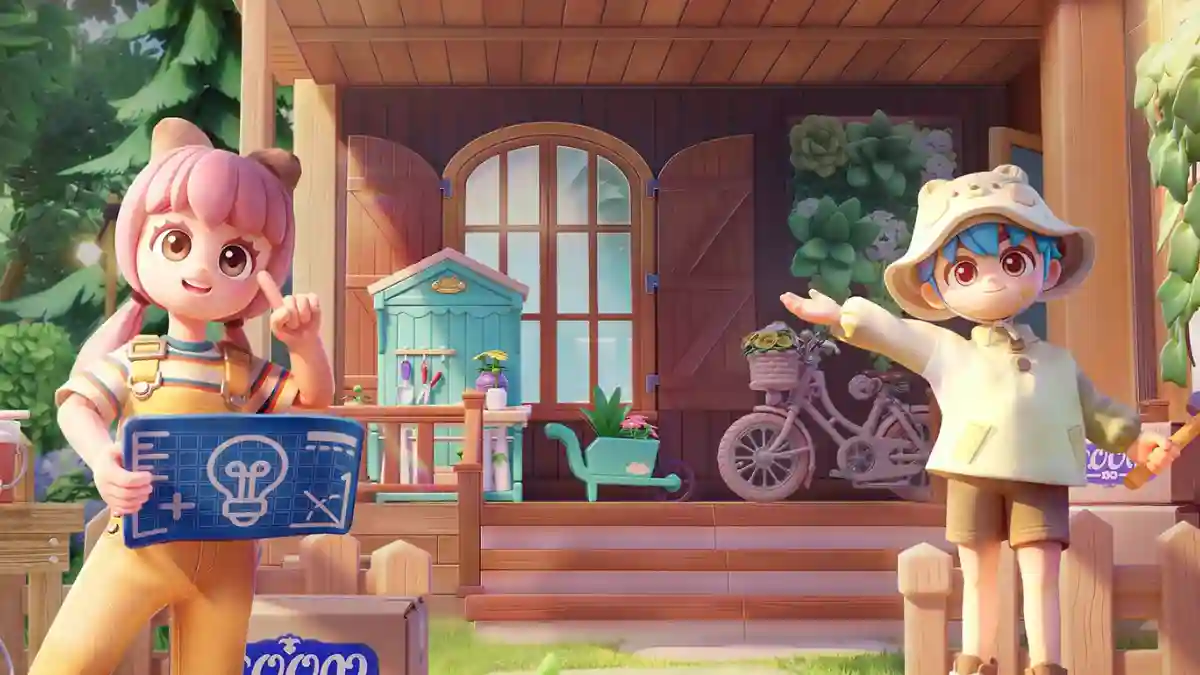
Heartopia is a mobile and PC game developed by XD Entertainment Co., Ltd., available on Android and Steam.
It is a life-simulation game focused on relaxing and creative gameplay, not combat or fixed storytelling.
The game is based on an open-world concept with no forced tasks or strict objectives.
You are free to play the way you want and do activities at your own pace.
Heartopia includes many calming activities such as fishing, gardening, cooking, birdwatching, bug catching, and more.
In this article, you will learn how to fix the “Can’t Log In” issue in Heartopia, explained with a step-by-step guide.
How to Fix Can’t Log In to Heartopia
To fix the “Can’t Log In” issue in Heartopia, you need to allow local network access or accept the network permission pop-up when it appears.
Fix 1: Enable “Local network access.”
- Log in to Heartopia (Google/Apple/Facebook).
- On the login page, tap the filter icon in the URL field.
- Enable “Local network access” > Allow.
Fix 2: Disable ad-blocker extensions
- Open Chrome.
- Click puzzle icon (top-right).
- Select “Manage extensions”.
- Disable ad-blockers (e.g., AdBlock, uBlock Origin).
Fix 3: Accept the network pop-up
- Open Chrome, click three dots (top-right).
- Go to Settings > Privacy and security > Site settings.
- Find “login-xdsdk.xd.com”.
- Select it > Reset permissions.
- Log in to Heartopia.
- Accept “Allow xd to connect to devices on your network” pop-up.
