

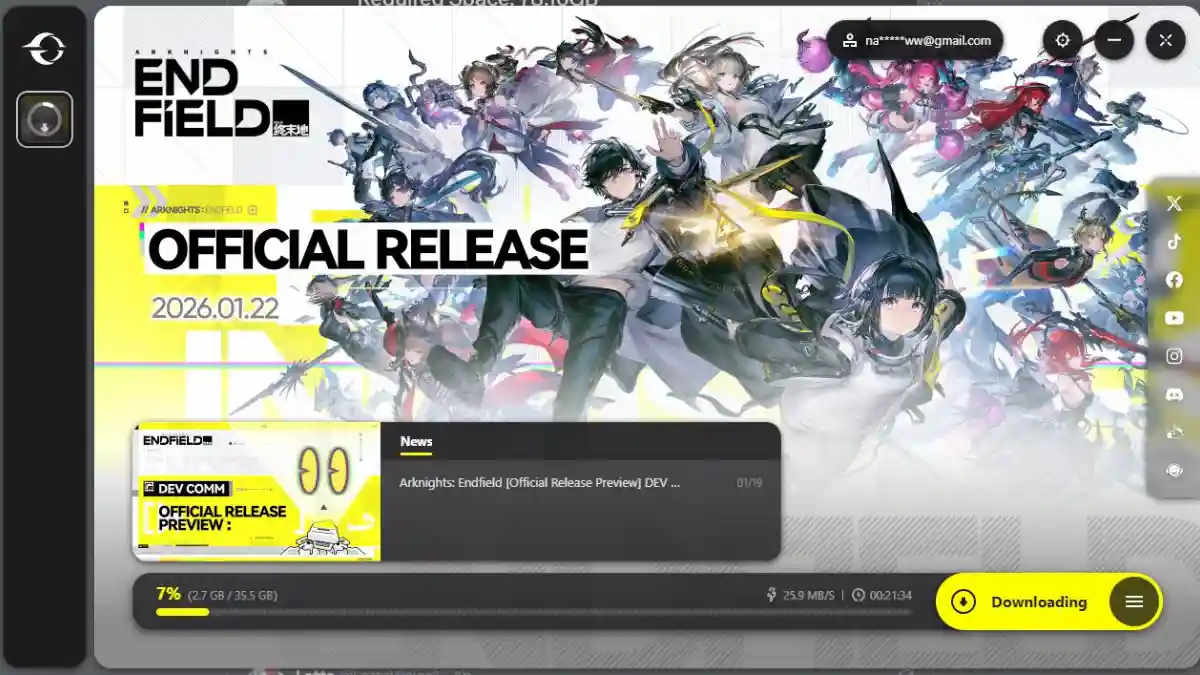
Arknights: Endfield is a 3D real-time strategy RPG gacha game and part of the popular Arknights franchise.
It is developed by the Chinese studio Hypergryph and built on Unity, offering attractive visuals and smooth gameplay.
The game takes place on Talos-II, a world colonized by humanity decades ago using advanced gate technology. This planet is filled with dangerous terrain, environmental hazards, and mysterious regions.
You play as an Endministrator, exploring the world, uncovering hidden lore, facing hazards, and recruiting powerful Operators to protect humanity.
In this post, you will learn how to fix the Arknights Endfield download error, with multiple easy solutions explained step by step.
How to Fix Arknights Endfield Download Error
To fix the Arknights: Endfield download error, you need to verify the game files.
Below are some simple fixes you can try.
Fix 1: Verify Game Files on Epic Games
- Open Epic Games Launcher.
- Find a game in the library.
- Click three dots > Manage.
- Click Verify.
- Wait for file validation.
Fix 2: Extract and install
- Click the arrow on the Windows Taskbar.
- Right-click Arknights Endfield icon → Exit.
- Go to the game folder (e.g., D:\GRYPHLINK\games\EndField Game).
- Open launcher_tmp → random folder (e.g,. cd2d0f009b9c3997c1e4d319ed1a0eae) → decompress.
- Find split zip files (Beyond_Release_v1d0-Rel-os-… .zip.001 to .036).
- Open .001 file withan archive tool (e.g., 7-Zip, WinRAR).
- Extract all volumes tothe “EndField Game” folder.
- Try launching/downloading the game again.
Fix 3: Verify the Arknights Endfield launcher
- Click the Taskbar arrow.
- Right-click Arknights Endfield > Exit.
- Open Epic Launcher > Library.
- Launch Arknights Endfield > menu icon.
- Select Check Game Integrity > Start Checking.
- Try downloading again.
