

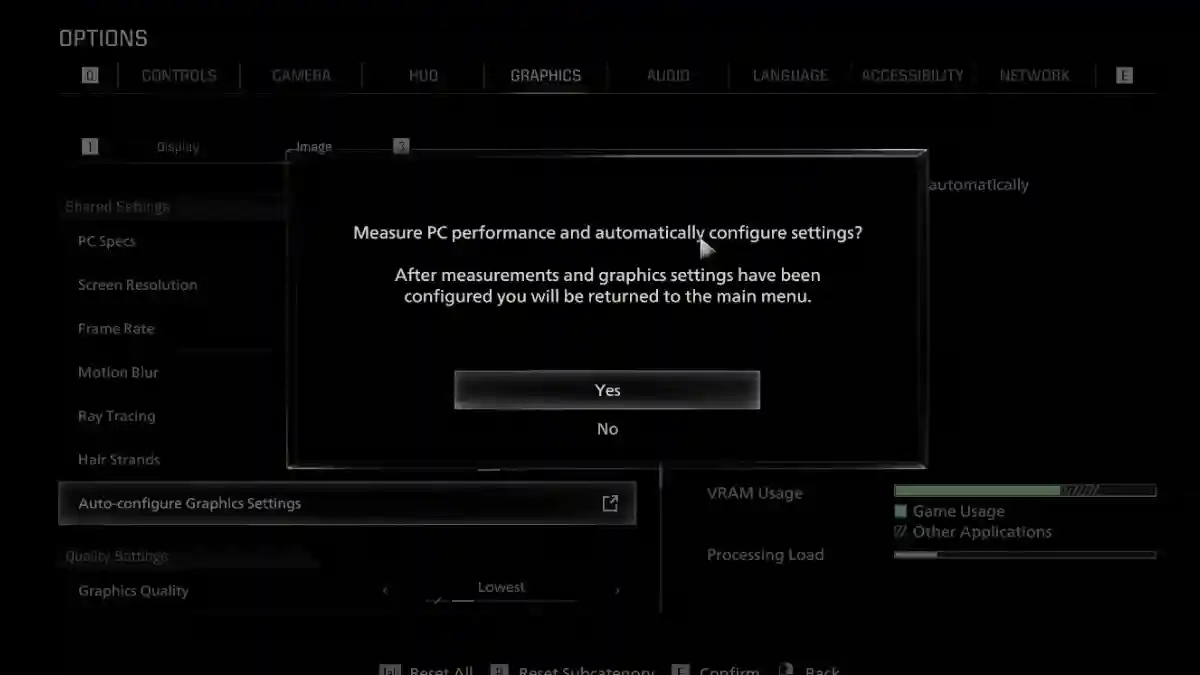
Resident Evil Requiem is the 9th main survival-horror game in Capcom’s Resident Evil series, developed by Capcom.
Players explore different areas in the game while finding keys and puzzle items.
The gameplay includes various zombies and boss fights, combining both puzzle-solving and combat mechanics.

AI receipt scanner & cash envelopes. 100% private.
In this game, you play as two different protagonists, Leon S. Kennedy and Grace Ashcroft, each with completely different playstyles.
You can switch between first-person and third-person perspectives at any time, which helps while exploring abandoned hospitals and facilities and solving puzzles.
This article explains how to fix the “Something Went Wrong” error in Resident Evil Requiem with a clear, step-by-step guide.
How to Fix Resident Evil Requiem Something Went Wrong Error
This Steam launch error, which often causes crashes or prevents the game from starting, usually happens because of corrupted game files, Steam cache issues, or client conflicts.
Follow the steps below to fix the problem.
Fix 1: Restart Everything
- Close Steam + game completely
- Restart PC (clears temp glitches)
Fix 2: Verify Game Files (Steam)
- Go to Game Library.
- Right-click RE9.
- Properties.
- Installed Files.
- Verify Integrity
Fix 3: Clear Steam Download Cache
- Open Steam.
- Go to Settings.
- Click Downloads.
- Clear Download Cache.
- Restart Steam
Disable Shader Pre-caching if enabled
Fix 4: Run as Administrator
- Right-click Steam.exe.
- Run as Administrator
- Launch RE9
Or
- right-click RE9 shortcut.
- Properties.
- Compatibility.
- Run as Admin.
- Apply.
Fix 5: Update Steam Client
- Steam → Help → Check for Steam Client Updates
Fix 6: Graphics Drivers (Clean Install)
- NVIDIA: GeForce Experience → Drivers → Custom (Clean Install)
- AMD: AMD Software → Drivers → Clean Install
- Intel: Driver Assistant
