

Forsaken is one of the oldest survival games on Roblox, created by the Forsaken Dev Team.
The game features a 1 Killer vs Multiple Survivors gameplay style inspired by creepy internet stories and horror themes.
If you play as a survivor, your goal is to stay alive against terrifying killers while uncovering the dark secrets hidden within Forsaken’s mysterious world.
The game world is corrupted, abandoned, and trapped between reality and nightmare, featuring dark facilities, broken laboratories, creepy schools, and other dangerous locations.
In this post, you will learn how to get the Treachstone John Doe Skin in Forsaken, including a complete step-by-step guide.
How to Get Treachstone John Doe Skin in Forsaken
Here is the step-by-step guide on how to get the Trenchstone John Doe skin in Forsaken on Roblox that you can follow.
- Complete Chapters 1-3 on Normal Mode first (highly recommended).
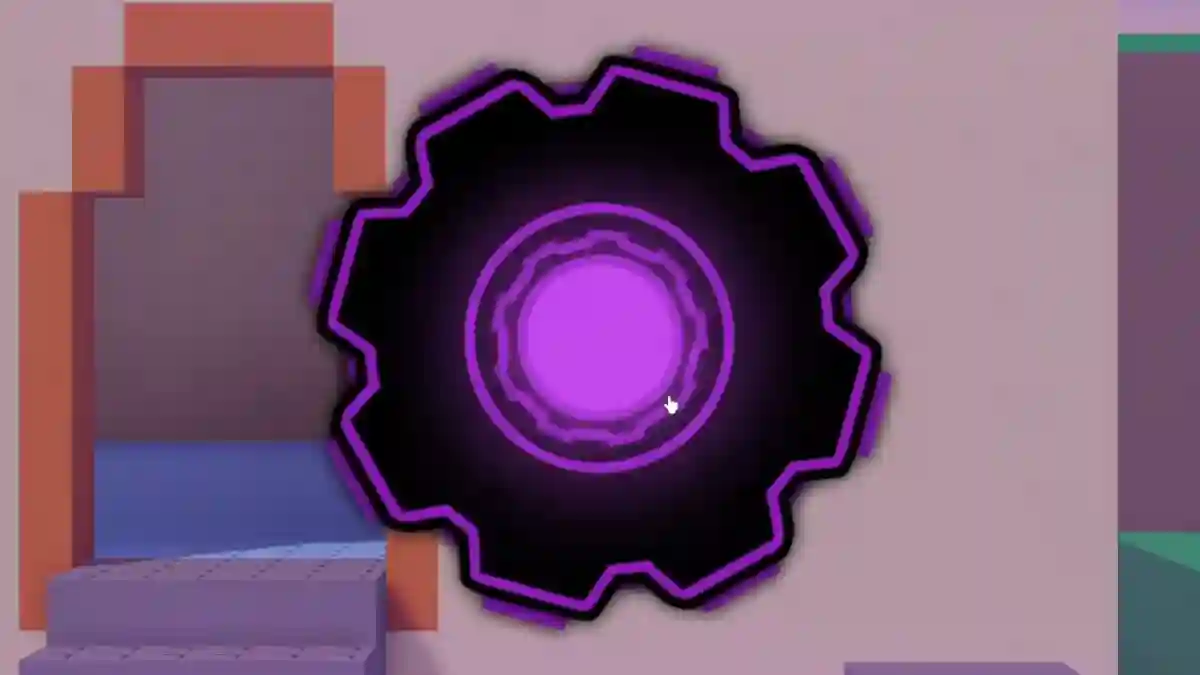
- Go to Battle Bricks menu → Click purple gear icon.
- Switch to Turmoil Mode.
- Play to Chapter 3 on Turmoil.
- Defeat the Extreme boss.
- Unlock Trenchstone John Doe skin.
