

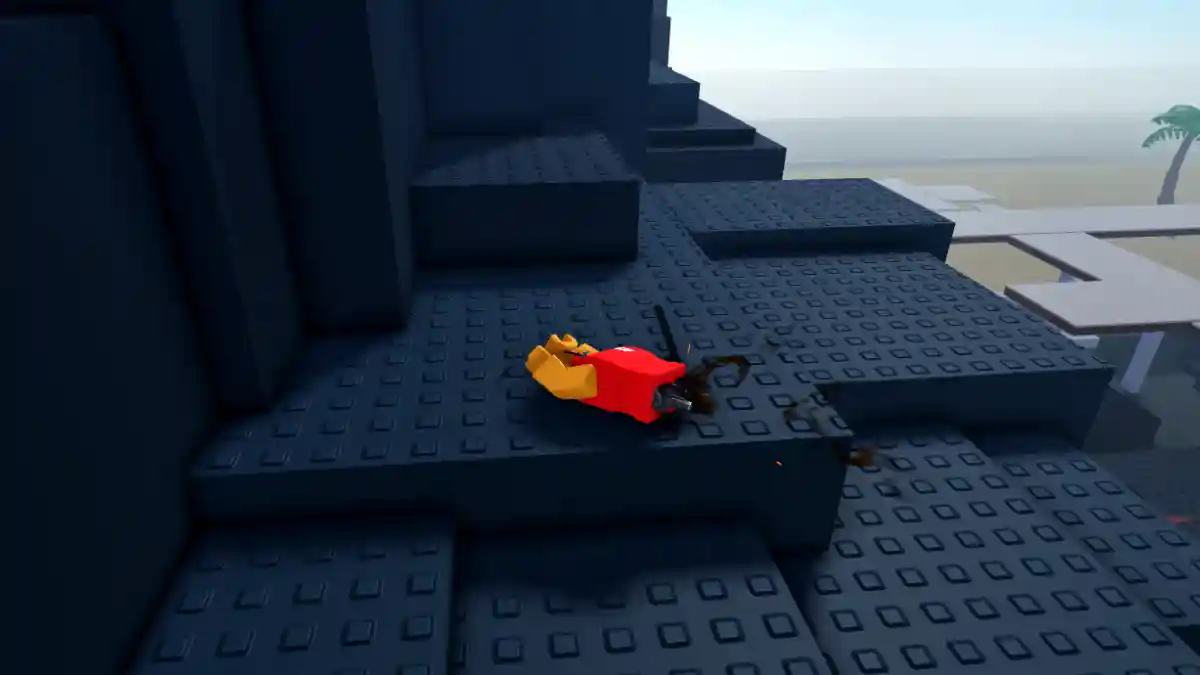
Combat Warriors is a player-versus-player fighting game on Roblox where players battle against each other.
You play as a fighter in an arena and try to defeat opponents to gain control.
The game offers many types of weapons, such as swords, axes, daggers, and more, which you can use for both attack and defense.
Winning fights rewards you with XP, credits, and other rewards that help unlock new weapons and gear. You can also join clans and take part in team-based modes.
In this post, you will find a list of Combat Warriors private server commands and how to use them.
How to Use Commands
To use commands on a private server, just follow the instructions given below.
- Open Chat – Press / or click the chat icon
- Type Command – Use the format: /commandname [parameters]
- Press Enter – Execute the command
List of Combat Warriors Private Server Commands Wiki
Here is the list of Combat Warriors private server commands that you can use right now in this Roblox game.
Player Management
| Command | Function | Example |
|---|---|---|
/psKick [player] [reason] | Kick a player from private server | /psKick JohnDoe Spamming |
/psBan [player] [reason] | Ban a player from private server | /psBan JohnDoe Hacking |
/psUnban [player] | Unban a previously banned player | /psUnban JohnDoe |
/respawn [player] | Force respawn a player | /respawn JohnDoe |
/teleport [playerToTeleport] [playerToTeleportTo] | Teleport one player to another | /teleport John Mike |
/teleportPos [player] [position] | Teleport player to specific coordinates | /teleportPos John 0,50,0 |
Player Effects & Status
| Command | Function | Example |
|---|---|---|
/freeze [player] | Freeze a player in place | /freeze JohnDoe |
/unfreeze [player] | Unfreeze a frozen player | /unfreeze JohnDoe |
/fly [player] | Enable flying for a player | /fly JohnDoe |
/unfly [player] | Disable flying for a player | /unfly JohnDoe |
/ragdoll [player] | Turn a player into ragdoll | /ragdoll JohnDoe |
/unragdoll [player] | Remove ragdoll from player | /unragdoll JohnDoe |
/explode [player] [damage] [radius] [pressure] | Create explosion at player location | /explode JohnDoe 50 20 1000 |
Gameplay Settings
| Command | Function | Example |
|---|---|---|
/switchMap [mapId] | Change the game map | /switchMap 1 (check /mapIds for list) |
/mapIds | Display list of all available map IDs | /mapIds |
/roundTime [seconds] | Set round duration | /roundTime 300 (5 minutes) |
/criticalHits [on/off] | Enable/disable critical hit damage | /criticalHits on |
/airdrops [on/off] | Enable/disable airdrop items | /airdrops on |
/utilityItems [on/off] | Enable/disable utility items | /utilityItems on |
Environmental & Visual
| Command | Function | Example |
|---|---|---|
/weather [weatherType] | Change weather conditions | /weather rain |
/weatherTypes | List all available weather types | /weatherTypes |
/showUsernames [on/off] | Show/hide player usernames | /showUsernames on |
/spawnAirdrop [numOfAirdrops] | Spawn airdrop items | /spawnAirdrop 5 |
NPC Commands
| Command | Function | Example |
|---|---|---|
/npc [npcname] [amount] | Spawn NPCs in the server | /npc testdummy 5 |
/getPos [player] | Get player’s current position | /getPos JohnDoe |
Permission Management
| Command | Function | Example |
|---|---|---|
/givePsPerms [player] | Give private server permissions to player | /givePsPerms JohnDoe |
/removePsPerms [player] | Remove private server permissions | /removePsPerms JohnDoe |
Information Commands
| Command | Function | Example |
|---|---|---|
/cmds | Display all available commands (always up-to-date) | /cmds |
