

Pokémon Champions is an exciting game released in April 2026 for the Nintendo Switch.
It allows players to participate in competitive PvP battles, online multiplayer matches, and strategic team building using their Pokémon.
Unlike traditional Pokémon games, this title focuses almost entirely on battling rather than story or exploration.
As a player, your main goal is to build a strong team, enter online battles, win matches to earn points, and climb the ranked ladder.
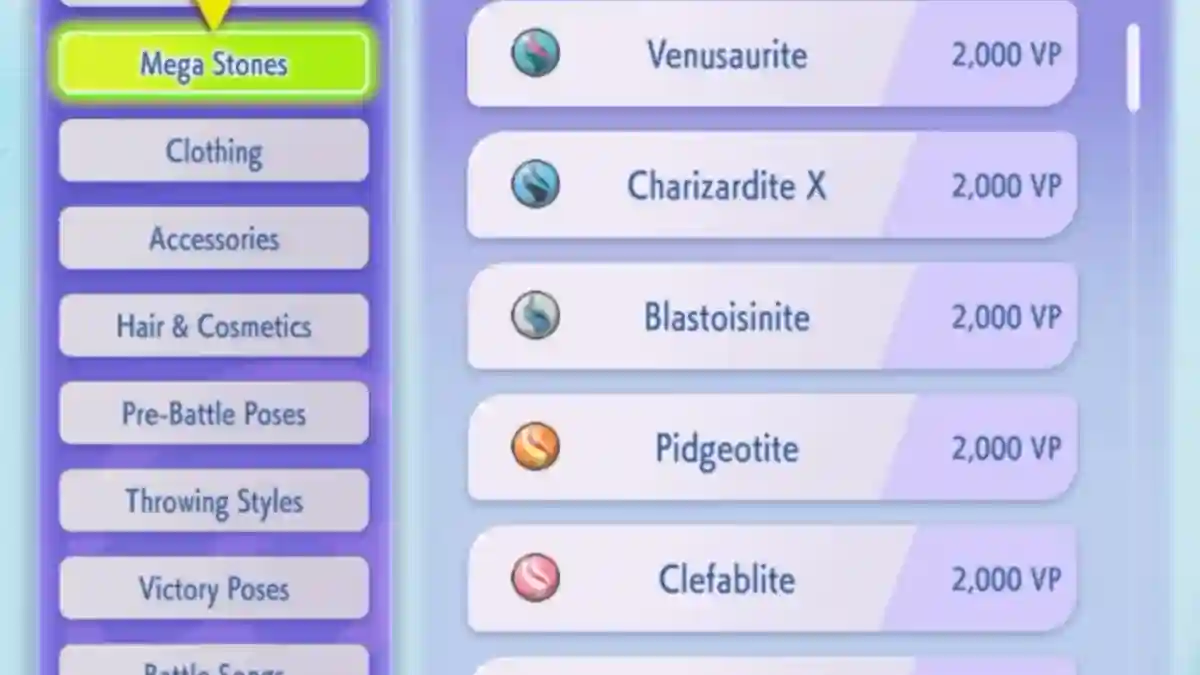
In this post, you will learn how to use Mega Stones in Pokémon Champions, including how to equip them and perform Mega Evolution.
How to Use Mega Stones in Pokemon Champions
Mega Stones allow you to Mega Evolve compatible Pokémon during battle, but you must equip them properly and activate them at the right time.
Below, you can follow the step-by-step guide to use Mega Stones effectively.
How to equip a Mega Stone
Mega Stones are equipped in the Held Item slot, which means you cannot use a normal item on that Pokémon at the same time.
The first requirement is to make sure the Pokémon is in your party before equipping the Mega Stone.
1. Open the Held Item screen
Method 1 (via Box / Party screen)
- Open the “main menu” in Pokémon Champions.
- Go to “Box” (or your party screen).
- Select the Pokémon you want to equip (e.g., Gengar, Beedrill, etc.).
- Press “X / A / middle button” to open the “Held Item” screen.
Method 2 (via battle line‑up)
- Select the Pokémon in your “current battle party”.
- Choose “Give an item to hold” from the menu.
2. Navigate to the Mega Stone tab
- Go to Held Item screen.
- Press R / Right button to cycle tabs.
- Keep pressing until Mega Stone tab.
- Select correct Mega Stone (e.g. Gengarite for Gengar).
- Confirm to equip.
How to Mega Evolve in battle
Once the Pokémon is holding the correct Mega Stone, you can trigger Mega Evolution during the battle, not from the menu.
Use the right button to toggle Mega Evolution
- In battle, select your Pokémon with Mega Stone.
- Press Fight / move confirm.
- Press R to toggle Mega Evolution on.
- Press R again to cancel before confirming.
Important rules
- Only 1 Pokémon can Mega Evolve per battle.
- Mega form stays even if swapped out.
- Must equip correct Mega Stone before battle (can’t equip mid-fight).
Tips for using Mega Stones
- Prioritize strong Mega forms (better stats, new type/ability).
- Mega Stone locks Held Item slot (no berries or other items).
- Equip Mega Stones before tough battles/raids.
- Plan ahead so you can choose when to Mega Evolve.
