

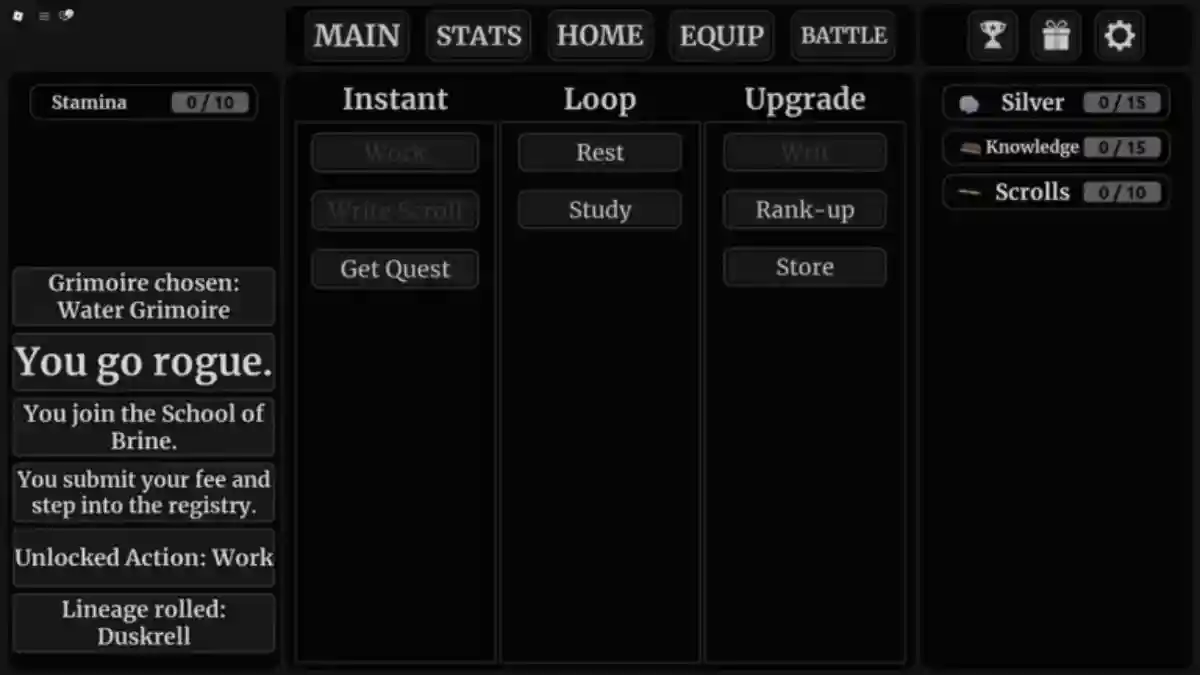
Magic and Divinity is a simulation-based, text-driven fantasy RPG with RPG-style progression and branching choices.
As a player, you usually start as a low-level spellcaster or an aspiring mage.
Your choices affect encounters, quests, and events, shaping how your adventure unfolds.
As you level up, you unlock more story content that reveals deeper lore.
The game also includes mechanics like Lineage and Trait Rerolls, Idols of Rebirth, and other progression systems.
In this article, you’ll find the Magic and Divinity Trello link along with the game’s official Discord server.
Magic and Divinity Trello Link Discord Server
In this game, you start as an aspiring mage, then choose different paths and make decisions as you progress.
The Rebirth and reroll systems let you replay the story with a new perspective, unlocking different endings and additional content.
The game has an official Trello page that covers progression, magic systems, routes, reincarnation, achievements, and much more.
Whenever a new update is released, the Trello board is updated with detailed information that helps players progress more efficiently.
Below, we’ve shared the official Trello link along with other useful official links you can check out.
- Official Trello Link
- Private Server
- Official Community
- Game Link
- Codes
How to Join the Magic and Divinity Discord Server
- Open this link: https://discord.com/invite/magicdivinity
- Then, click on “Accept Invite.”
- Congratulations! You’ve officially joined the server.
Above, you can see the game’s official Discord server link along with instructions on how to join it.
After joining the community server, make sure to carefully read all the rules and guidelines.
If you do not follow the server rules or violate any guidelines, you may receive a warning or penalty, and in some cases, you could be removed from the server.
