

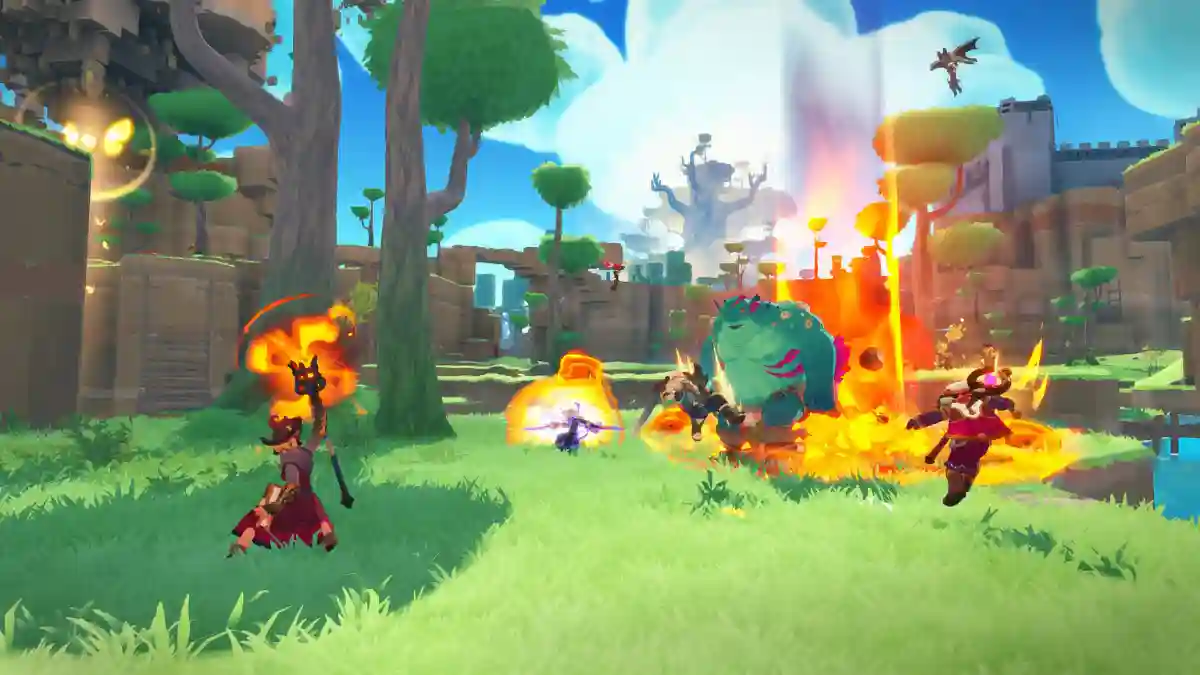
Farever is an action role-playing game released on May 6, 2026 on Steam, developed by Shiro Games.
The game takes place in a forgotten fantasy world called Siagarta, where humanity returns after centuries of exile and must rebuild civilization while fighting terrifying enemies known as the Nightlings.
In this open-world fantasy action RPG, you explore a ruined world, battle ancient enemies, and create your own legend.

AI receipt scanner & cash envelopes. 100% private.
You play as an adventurer trying to survive and shape your destiny while facing dangerous Nightlings throughout your journey.
In this post, you will learn how to fix the “Can’t Connect to Server” issue in Farever, including solutions for server connection errors and lag problems on PC.
How to Fix Farever Can’t Connect to Server
The “Couldn’t Connect to Server” issue in Farever is usually caused by either a server-side outage or a local network/Steam problem.
Recent player reports on Steam show that the game may fail to connect across different regions. Common fixes include checking the server status, restarting Steam, your PC, and router, or trying a different network or server region.
Fix 1: Check whether Farever’s servers are down.
If the servers are unavailable, the error will persist no matter what you do locally.
Fix 2: Fully close Steam and restart your PC
1) Fully close Steam
- Click Steam in the top-left corner.
- Select Exit.
- If Steam stays open: Press Ctrl + Shift + Esc.
- End all Steam processes in Task Manager.
2) Restart your PC
- Click the Start menu.
- Click the Power icon.
- Select Restart.
- Wait for your PC to fully boot up.
3) Relaunch Steam as administrator
- Right-click the Steam shortcut.
- Select Run as administrator.
- Click Yes if prompted.
More fixed method
- Restart your router or switch networks.
- Disable VPNs or proxies.
- Try a different server/region in the game.
