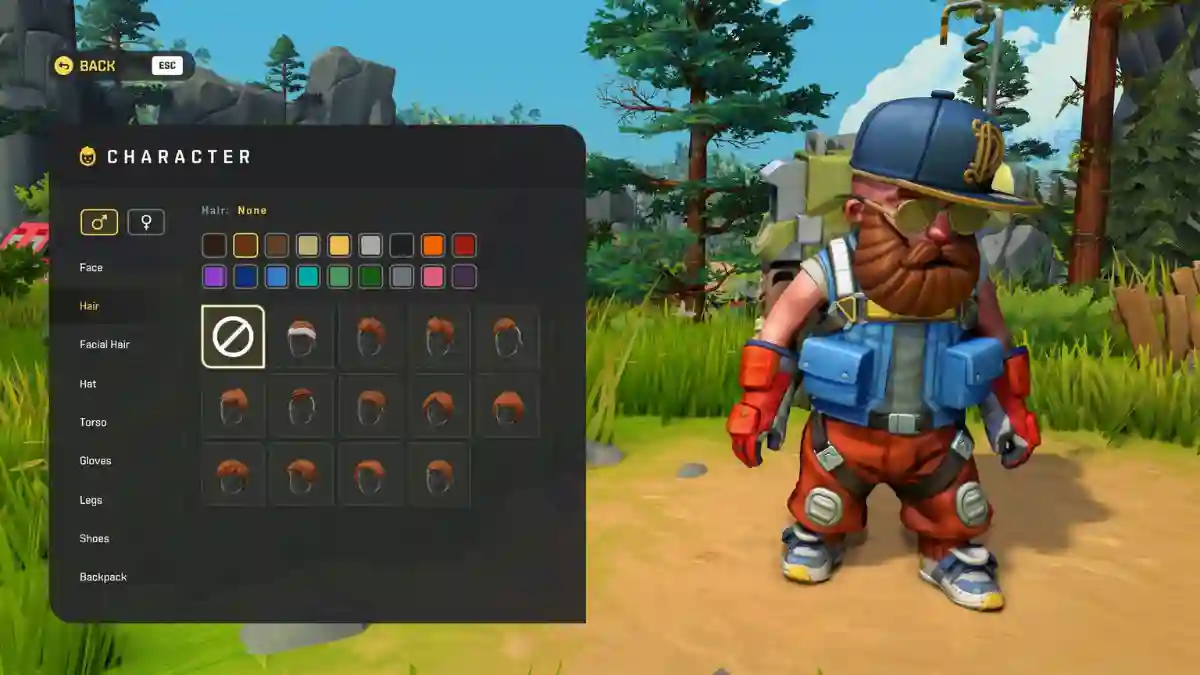
Scrap Mechanic is an open-world sandbox survival game developed by Axolot Games and available on Steam for PC.
Players take on the role of a mechanic stranded on a remote agricultural planet after a catastrophic accident.
The game features both Creative Mode, which focuses on unrestricted building, and Survival Mode, where you’ll gather resources, explore the world, craft items, farm crops, and defend yourself against hostile robots.
Your main objective is to survive while building vehicles, machines, and other creations to overcome the planet’s challenges.
In this guide, you’ll find the complete Scrap Mechanic Console Commands List, including cheat codes for ammo, the Spud Gun, and many other useful commands.
How to enable cheats
Open Steam and right-click Scrap Mechanic.
Go to Properties → Local Files → Browse Local Files.
Open this path: Survival > Scripts > Game > SurvivalGame.lua.
Open the file in a text editor like Notepad++.
Find the line that checks survival cheats, usually if g_survival then, and change it to if true then.
Save the file and restart the game.
List of Scrap Mechanic Console Commands
Below is the complete list of Scrap Mechanic Console Commands and Cheat Codes.
Inventory & Items
Command
Description
/ammo [amount]
Give ammo (default: 40)
/components [amount]
Give components (default: 10)
/glowsticks [amount]
Give glowsticks (default: 10)
/spudgun
Give the Spud Gun
/gatling
Give the Potato Gatling Gun
/shotgun
Give the Fries Shotgun
/sunshake
Give 1 Sunshake
/baguette
Give 1 Revival Baguette
/keycard
Give 1 Keycard
/powercore
Give 1 Power Core
Starter Kits
Command
Description
/starterkit
Spawn a starter kit
/mechanicstartkit
Spawn a starter kit for starting at the mechanic station
/pipekit
Spawn a pipe kit
/foodkit
Spawn a food kit
/seedkit
Spawn a seed kit
Player
Command
Description
/god
Mechanic characters take no damage
/respawn
Respawn at the last bed (or crash site)
/die
Kill the player
/sethp <value>
Set player HP
/setwater <value>
Set player water
/setfood <value>
Set player food
/goto <location>
Teleport to a predefined position
/tumble
Toggle tumble state
World & Time
Command
Description
/timeofday <0.0-1.0>
Set the time of day (e.g. 0.5 = midday)
/timeprogress <true/false>
Enable or disable time progression
/day
Set daytime and disable time progression
/recreate
Recreate the world
Spawning
Command
Description
/spawn <unit>
Spawn a unit (woc, tapebot, totebot, haybot)
/harvestable <type>
Spawn a harvestable (tree, stone)
Raids & Enemies
Command
Description
/ambush
Start a random encounter
/raid <hours>
Start a raid at the player’s position
/stopraid
Cancel all incoming raids
/disableraids <true/false>
Enable or disable raids
/aggroall
Make all hostile units aware of the player’s position
Warehouse
Command
Description
/encrypt
Restrict interactions in all warehouses
/decrypt
Remove warehouse interaction restrictions
Inventory Mode
Command
Description
/limited
Use limited inventory
/unlimited
Use unlimited inventory
Blueprint
Command
Description
/export
Export a blueprint to $SURVIVAL_DATA/LocalBlueprints/.blueprint
/import
Import a blueprint from $SURVIVAL_DATA/LocalBlueprints/.blueprint
Debug & Developer
Command
Description
/camera
Spawn a SplineCamera tool
/cleardebug
Clear debug draw objects
/printglobals
Print all global Lua variables
/clearpathnodes
Clear all overworld path nodes
/enablepathpotatoes
Create and link path nodes where potatoes hit in the overworld
Biswajit plays a variety of game genres, earning him the nickname "Spunky" from his friends. He spends most of his time exploring the worlds of Roblox and GTA 5, along with titles like Wuthering Waves and more.