

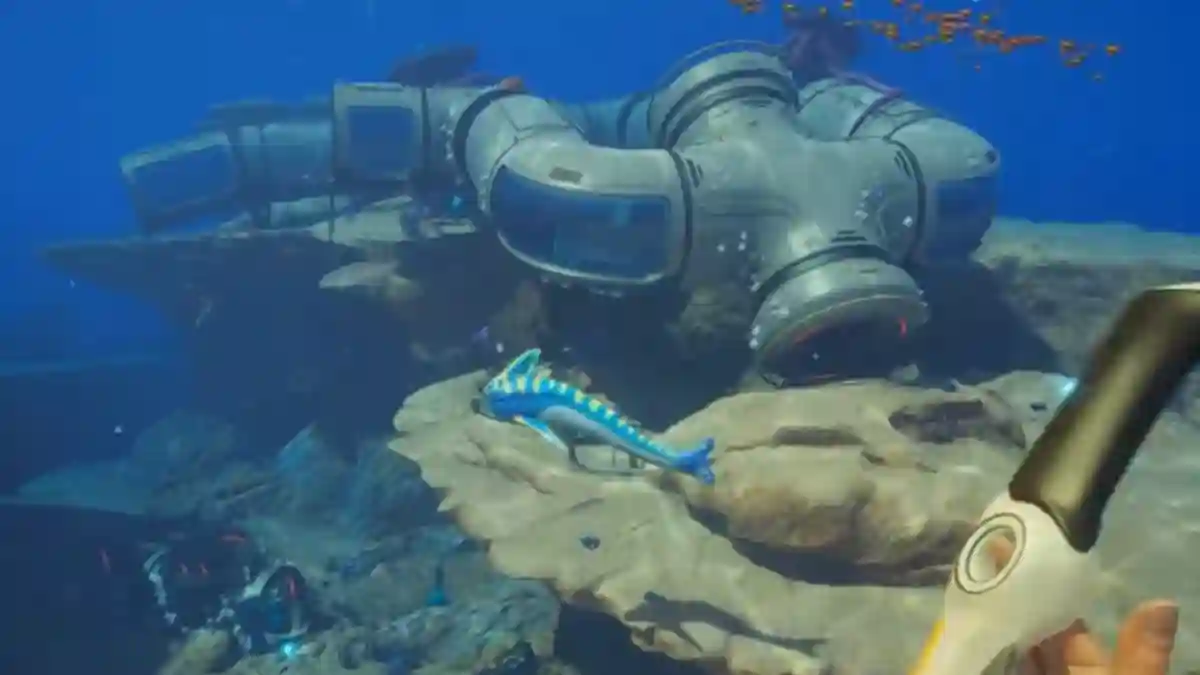
Subnautica 2 is a multiplayer underwater survival game that allows players to take on the role of Pioneer colonists exploring an alien ocean world.
As a player, you must not only survive underwater but also explore dangerous alien oceans, avoid giant Leviathans, discover the cause of the disaster, and uncover hidden mysteries throughout the world.
The game also features biological adaptation and DNA modification systems that allow players to genetically adapt to alien conditions and evolve new survival abilities.

AI receipt scanner & cash envelopes. 100% private.
In addition, players can gather resources to craft tools, build underwater bases, upgrade vehicles, and explore deeper zones through the game’s survival mechanics.
In this post, you will learn about the list of all Subnautica 2 cheats and console commands, including how to use them step by step.
How to enable the console in Subnautica 2 (PC)
To enable the console in Subnautica 2 on PC, simply follow the steps mentioned below.
Step 1: Download UE4SS for Subnautica 2
- Get the UE4SS mod that supports Subnautica 2.
Step 2: Install UE4SS
- In Steam:
- Right‑click Subnautica 2 → Manage → Browse local files.
- Extract UE4SS into:
Subnautica2\Subnautica2\Binaries\Win64 - This is the folder where the game’s
.exelives.
Step 3: Download the Console Commands mod
- Get the “Console Commands” mod for Subnautica 2.
Step 4: Install the Console Commands mod
- Extract it to:
Subnautica2\Subnautica2\Binaries\Win64\ue4ss\Mods - Start the game again.
Step 5: Open the console
- While playing, press F2 to open the debug console.
- You’ll see clickable cheat buttons and a text input for manual commands.
Note: Using console commands will likely disable achievements. Save your game before using them.
Subnautica 2 Cheats and Console Commands
| Command | Effect |
|---|---|
god | No damage, no need for food, water, or oxygen (invincibility) |
invisible | Hostile creatures can’t see you |
nocost | Craft or process anything without spending resources |
unlock all | Unlocks all recipes, blueprints, and journal entries |
oxygen | Oxygen no longer rises or falls (infinite oxygen) |
item [name] [amount] | Spawns items, e.g. item lithium 5 → +5 lithium |
day | Sets time to daytime |
night | Sets time to nighttime |
daynight # | Sets a specific time of day (e.g. daynight 18) |
FOV # | Changes FOV, e.g. FOV 100 |
togglehud | Hides the HUD (no known in‑game way to restore it without restarting) |
kill | Kills you, then immediately respawns you |
Commands that exist but are not working yet
Even with mods, these are listed but currently disabled:
gotofastswimnoclipflywarp
Unknown Worlds Entertainment has confirmed that official console commands and FOV options are planned for the early-access version of Subnautica 2.
