

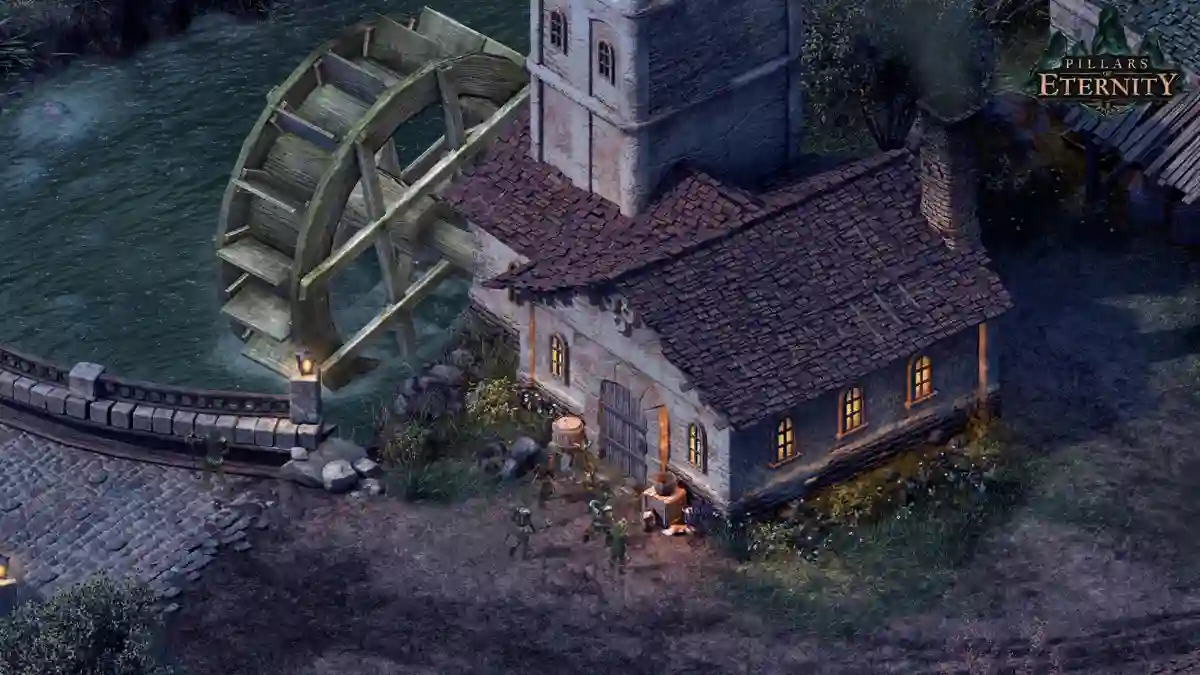
Pillars of Eternity is a role-playing game developed by Obsidian Entertainment for Windows, OS X, and Linux.
Set in the fantasy world of Eora, the game revolves around a world where souls are real and pass through a cycle of life, death, and rebirth.
You play as an ordinary traveler journeying through the Dyrwood, where a supernatural event changes your life forever.
Throughout your adventure, you’ll explore new locations, recruit companions, upgrade your stronghold, hire staff, defend the fortress, manage its resources, and uncover the world’s many secrets.
In this guide, you’ll find the complete Pillars of Eternity Console Commands and Cheat Codes list, along with instructions on how to enable and use console commands in the game.
How to use them
- Press
~to open the console. - Type
iroll20sand press Enter. - This enables cheats and disables achievements for that playthrough.
- Open the console again, type a command, and press Enter.
List of Pillars of Eternity Console Commands
Below is the complete list of Pillars of Eternity Console Commands that you can use in the game.
Character & Party
ActivateStronghold
Unlocks the Stronghold interface if it hasn’t been acquired yet.
ActivateStrongholdAddToParty <name>
Adds a character to your party.
Example
AddToParty NPC_MedrethManageParty
Opens the party management screen.
ManagePartyHealParty
Fully heals every party member.
HealPartyGod
Makes all party members invulnerable.
GodOpenCharacterCreation
Reopens character creation for the Watcher.
Note: All equipped items and player inventory will be lost.
OpenCharacterCreationOpenCharacterCreationNewCompanion <cost> <level>
Creates a custom adventurer.
Example
OpenCharacterCreationNewCompanion 0 8Experience & Leveling
AddExperience <value>
Adds experience points.
Example
AddExperience 5000AddExperienceToLevel <level>
Adds enough experience to reach the specified level.
Example
AddExperienceToLevel 12Abilities & Talents
AddAbility <target> <ability>
Grants an ability to the specified target.
Example
AddAbility Player DefenderAddTalent <talent>
Grants the player the specified talent.
Example
AddTalent WeaponFocusPeasantRemoveTalent <target> <talent_or_ability>
Removes a talent or ability from the specified target.
Example
RemoveTalent Player DefenderAttributes
AttributeScore <target> <attribute> <value>
Sets a character’s base attribute score.
Example
AttributeScore Player Might 18Attributes
- Might
- Constitution
- Dexterity
- Perception
- Intellect
- Resolve
Companion Syntax
Use the following format for companions:
Companion_<name>Example:
Companion_gm(Grieving Mother)
Skills
Skill <target> <skill> <value>
Sets a character’s base skill value.
Example
Skill Player Athletics 6Common Skills
- Athletics
- Lore
- Mechanics
- Stealth
- Survival
Inventory & Items
AddItem <itemname> <amount>
Adds items to your inventory.
Example
AddItem item_name 10CraftingDebug
Adds large quantities of every crafting ingredient.
CraftingDebugFreeRecipesToggle
Allows crafting without ingredients.
FreeRecipesToggleMoney
GivePlayerMoney <value>
Adds copper to the player’s inventory.
Example
GivePlayerMoney 50000RemovePlayerMoney <value>
Removes copper from the player.
Example
RemovePlayerMoney 1000Combat
DealDamage <id> <value>
Deals damage to a target.
Example
DealDamage NPC_Medreth_Guard_Man 200Kill <id>
Instantly kills the specified target.
Example
Kill NPC_Medreth_Guard_ManRest & Time
Rest
Forces the party to rest anywhere.
RestAdvanceTimeByHours <hours>
Advances in-game time.
Example
AdvanceTimeByHours 6SetTime <time>
Sets the game clock.
A full day in Pillars of Eternity is 26 hours.
Examples
SetTime 90009:00 AM
SetTime 130001:00 PM
Difficulty
Difficulty <level>
Changes the game difficulty.
| Difficulty | Value |
|---|---|
| Easy | 0 |
| Normal | 1 |
| Hard | 2 |
| Path of the Damned | 3 |
Example
Difficulty 3Reputation & Disposition
ReputationAddPoints <faction> <Positive/Negative> <value>
Changes faction reputation.
Example
ReputationAddPoints GildedVale Positive 4DispositionAddPoints <type> <level>
Changes a disposition level.
Dispositions
- Benevolent
- Cruel
- Clever
- Stoic
- Aggressive
- Diplomatic
- Passionate
- Rational
- Honest
- Deceptive
Levels
| Level | Value |
|---|---|
| Minor | 1 |
| Average | 3 |
| Major | 7 |
Example
DispositionAddPoints Honest 7World & Exploration
NoFog
Removes the Fog of War.
NoFogUnlockAll
Unlocks every container in the current area.
UnlockAllUnlockAllMaps
Unlocks every location on the world map.
UnlockAllMapsUnlockBestiary
Unlocks every Bestiary entry.
UnlockBestiaryOpenContainer <id>
Opens a specific container.
Example
OpenContainer chest_01Area Travel
AreaTransition <areaName> <startPoint>
Teleports the party to another map.
Start Points
- North1
- North2
- South1
- South2
- East1
- East2
- West1
- West2
Example
AreaTransition AR_0202 North1World Map Visibility
WorldMapSetVisibility <map> <visibility>
Changes a location’s visibility on the world map.
| Value | Meaning |
|---|---|
| 0 | Locked |
| 1 | Unlocked |
| 2 | Hidden |
| 3 | Developer Only |
Camera
SetZoomRange <min> <max>
Changes the camera zoom limits.
Default
SetZoomRange 0.75 1.5Example
SetZoomRange 0.1 200Character Lookup
FindCharacter <name>
Finds the internal character ID used by other commands.
Example
FindCharacter MedrethSoulbound Weapons
LevelUpSoulbind <itemID(Clone)>
Advances a bound soulbound weapon to its next stage.
Example
LevelUpSoulbind px1_hunting_bow_stormcaller(Clone)High-Level Scaling
ToggleScaler <scalerName>
Forces high-level scaling for selected areas.
Common Values
- ELMSHORE_HIGH_LEVEL
- ACT3_HIGH_LEVEL
- ACT4_HIGH_LEVEL
- PX1_HIGH_LEVEL
- PX2_HIGH_LEVEL
Stronghold
StrongholdBuildAll
Builds every Stronghold upgrade.
StrongholdBuildAllStrongholdBuild <building_id>
Builds a specific Stronghold structure.
Example
StrongholdBuild LibraryStrongholdDestroy <building_id>
Destroys a Stronghold structure.
StrongholdDestroy LibraryBuilding IDs
- Barbican
- WestCurtainWall
- SouthCurtainWall
- Bailey
- MainKeep
- Barracks
- Dungeons
- BeastVault
- Towers
- Library
- CraftHall
- AritficersHall (internal spelling)
- Forum
- MerchantStalls
- CurioShop
- TrainingGrounds
- Chapel
- HedgeMaze
- BotanicalGarden
- RoadRepairs
- WardensLodge
- WoodlandTrails
- Bedding
- AdditionalStorage
- Hearth
- Lab
- CourtyardPool
- EasternBarbican
- Count
Stronghold Events
StrongholdForceAdventure <type>
Starts a Stronghold adventure.
Adventure Types
- Minor
- Average
- Major
- Grand
- Legendary
StrongholdForceVisitor <index>
Triggers a visitor event.
StrongholdForceAttack <index>
Triggers a Stronghold attack.
Other Stronghold Commands
| Command | Description |
|---|---|
StrongholdForceBadVisitor | Triggers a bad visitor event. |
StrongholdForcePayHirelings | Forces hireling payday. |
StrongholdForcePrisonBreak | Causes a random prisoner to escape. |
StrongholdForceSpawnIngredients | Refreshes Curio Shop ingredients. |
