

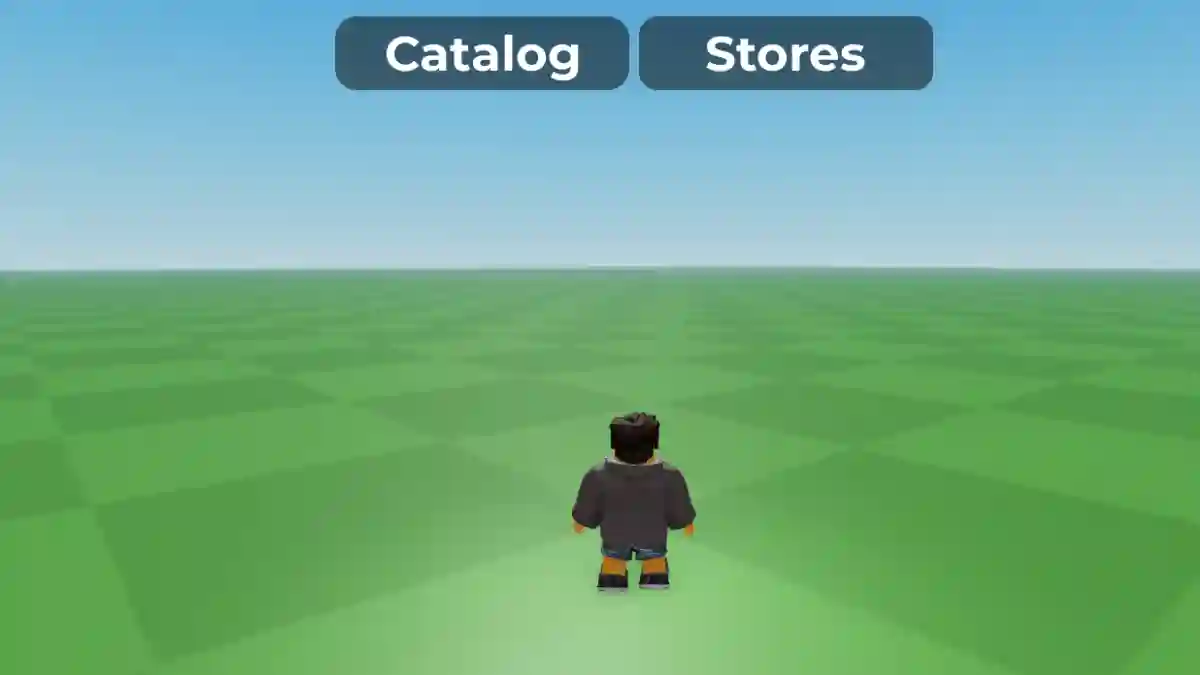
Catalog Avatar Creator is a popular Roblox experience that lets players customize their avatars using an extensive collection of outfits, accessories, animations, and other cosmetic items.
It features a massive avatar catalog, allowing you to create and preview countless character designs without owning the items beforehand.
Designed as a creative sandbox, the game makes it easy to experiment with different looks before spending any Robux.

AI receipt scanner & cash envelopes. 100% private.
Once you’ve created an outfit you like, you can purchase the selected items directly from the Roblox Avatar Shop if you decide to use them on your account.
In this guide, you’ll find the complete Catalog Avatar Creator Commands and Codes List, along with instructions on how to use each command and what they do.
How to use commands
All Catalog Avatar Creator commands are entered through the Roblox chat box while you’re inside the game.
- Join Catalog Avatar Creator.
- Open chat (top-left or press /).
- Type the command (e.g.
/speed 50). - Press Enter.
List of Catalog Avatar Creator Commands
Below is the complete list of Catalog Avatar Creator commands that you can use while playing the game.
Avatar Commands
| Command | Description |
|---|---|
/r6 | Change your avatar rig to R6. |
/r15 | Change your avatar rig to R15. |
/headless | Toggle the Headless avatar effect. |
/sshf | Toggle the Super Super Happy Face. |
/korblox | Toggle the Korblox right leg. |
/korblox2 | Toggle the Korblox left leg. |
/clone | Spawn a clone of your avatar. |
/npc | Spawn an AI-controlled version of your avatar. |
/ref | Display your avatar reference. |
/self | Open your player profile. |
Movement Commands
| Command | Description |
|---|---|
/speed [number] | Change your movement speed. Example: /speed 40. |
Server Commands
| Command | Description |
|---|---|
/vip | Join a private server. |
/private | Same as /vip. |
/public | Join a public server. |
/main | Return to the main game server. |
/test | Join the test server (if available). |
/voice | Join the Voice Chat server (requires VC). |
Booth Commands
| Command | Description |
|---|---|
/booth | Create a customizable booth that lets you edit the displayed text. |
Interface Commands
| Command | Description |
|---|---|
/fps | Toggle the FPS counter on or off. |
/version | Show or hide the game version label. |
/clear | Clear the chat window. |
/portrait | Enable portrait mode on supported mobile devices. |
Most Useful Commands
If you’re new to Catalog Avatar Creator, these are the commands you’ll likely use the most:
/speed— Adjust your movement speed./booth— Create and customize a booth./vip— Quickly join a private server./clone— Spawn a copy of your avatar./headless— Toggle the Headless avatar look./fps— Display your FPS counter./clear— Clear the chat window.
