

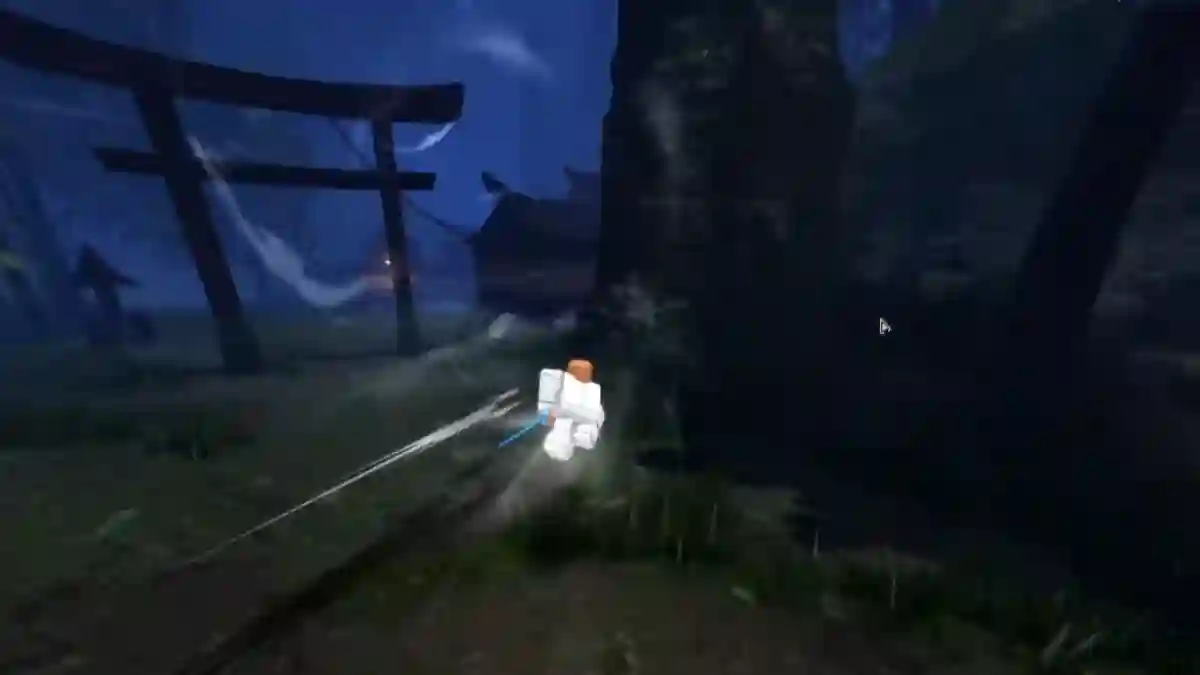
VV: Ultimatum is an action-packed Roblox game inspired by the popular anime series Bleach.
Players can choose a faction, develop unique abilities, complete quests, fight monsters, and battle other players while progressing through a supernatural world filled with ancient threats and powerful enemies.
The game features three main factions—Shinigami, Quincy, and Hollow—each offering distinct abilities, progression paths, and playstyles.

AI receipt scanner & cash envelopes. 100% private.
Players can choose the faction that best matches their preferences and begin their journey toward becoming stronger.
In this post, you will learn how to perform a Z Step in VV: Ultimatum, including a complete step-by-step guide to help you.
How to Perform Z Step in VV: ULTIMATUM (Roblox)
In VV: Ultimatum, Z-Step is an advanced movement and combo technique that allows you to quickly close the distance after launching an opponent away.
Step 1: Step Backwards
- Hold your weapon.
- Tap S (or pull back on the joystick) + dash button.
Step 2: Dash Diagonally Forward
- As soon as the backward step animation starts, immediately dash diagonally forward.
- Press W + A (forward-left) or W + D (forward-right).
Step 3: Chain the Movement
- Do a backstep (S + dash).
- Immediately dash diagonally forward (W + A or W + D).
- Creates the sharp “Z” movement.
- Perfect for baiting and punishing attacks.
