

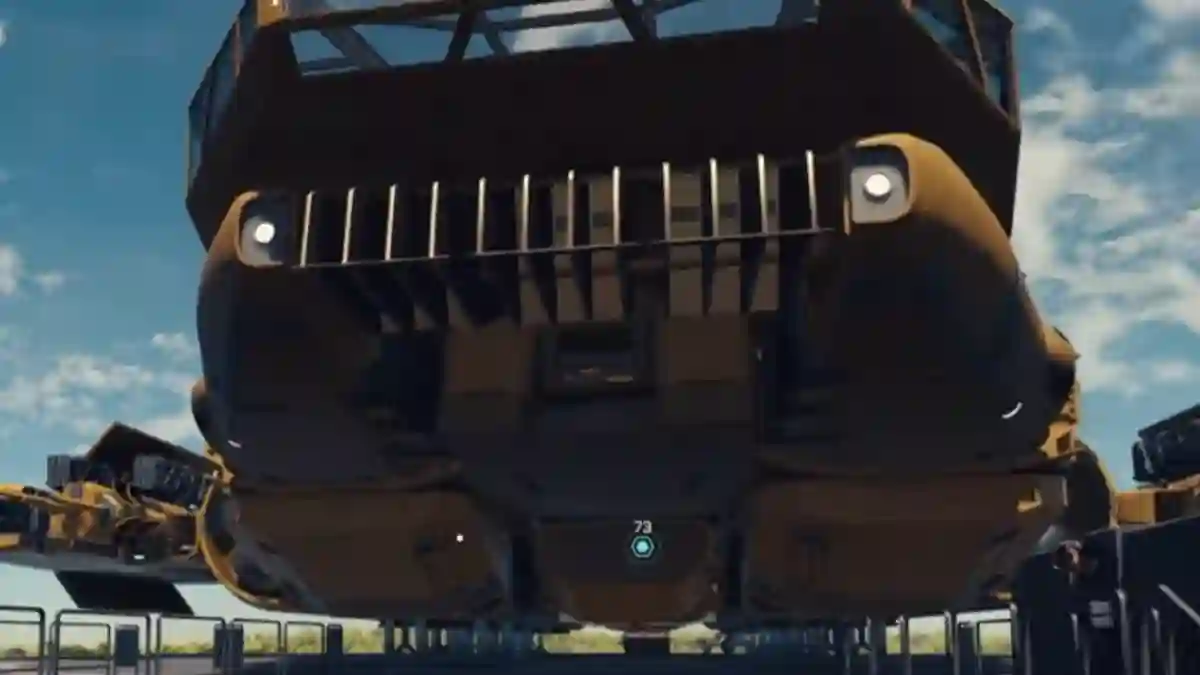
Starfield is a sci-fi open-world video game developed by Bethesda, available on Steam and PlayStation.
The story is set in the year 2330, where humans have left Earth and colonized space, which has now become a dangerous place for humanity.
As the main character, you begin your journey as a space miner, searching for mysterious artifacts, discovering ancient structures, and uncovering unknown intelligence.

AI receipt scanner & cash envelopes. 100% private.
The game features a flexible quest system, allowing you to choose between the main story, side quests, and faction missions.
You can also take on different roles such as an explorer, pirate, or soldier.
In this post, you will learn how to use Schematics in the Starfield 2026 update, including a complete step-by-step guide.
How schematics actually work
- Schematics drop from quests (e.g., Ryujin Industries / Trident) or ship/terminal loot.
- Pick it up once — game remembers it (you can sell it).
- Unlocks new ship modules/upgrades (engines, hull, X-Tech, buoyant insulators, etc.).
How to Use Schematics in Starfield Update 2026
In Starfield, schematics unlock special ship modules and upgrades that you can install on your ship through a Ship Technician (such as those found at major shipyards).
You don’t use schematics like consumable items from your inventory. Instead, once you learn a schematic, it becomes permanently available, allowing you to install those upgrades on any of your ships whenever you want.
Step 1: Go to a Shipyard
- Go to any Shipyard / major port.
- Find a Ship Technician or Ship Builder.
- Examples: Akila, Neon, New Atlantis.
Step 2: Open Ship Builder
- Go to Ship Technician / Ship Builder.
- Interact and select “Ship Builder” or “Manage Ship”.
- Choose the ship you want to modify.
Step 3: Install the schematic‑based module
- Go to the Ship Builder menu.
- Select the unlocked module category.
- Find the new schematic part.
- Equip it in an open slot.
- Confirm the build.
Step 4: Repeat for other ships
- Once learned, install the schematic module on any ship you own.
